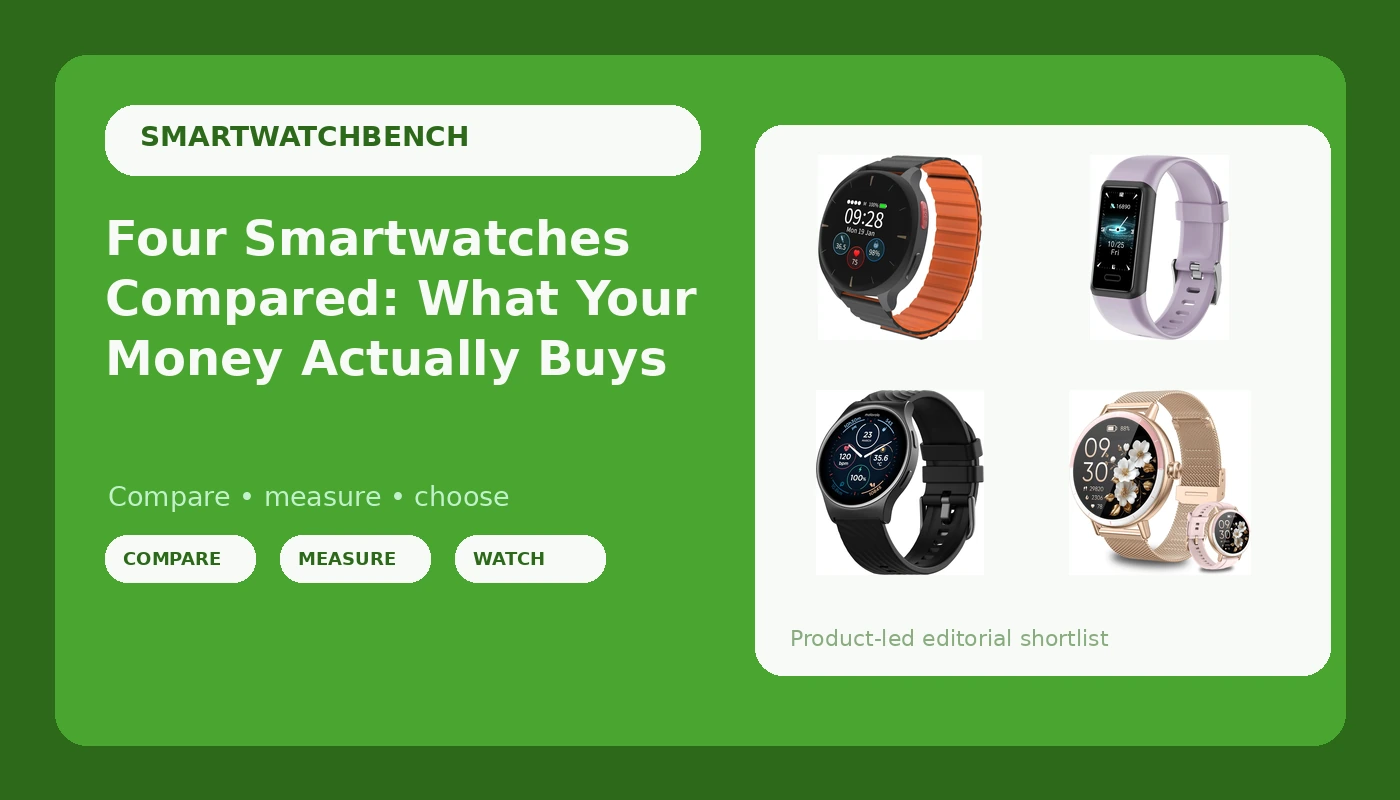
I have been running with a watch on my wrist since 2019 and logging every mile of it, and that habit taught me a simple lesson: a spec sheet and a wrist experience are two different documents. This smartwatch and fitness tracker comparison covers four Amazon wearables that have almost nothing in common. One is built for an older adult living alone. One is a mainstream AMOLED smartwatch. One is a women's watch that answers phone calls. One is a fitness band that lands in the cheapest tier of anything I have ever written about.
To be straight with you up front: I have not run all four of these through my full protocol yet, which means a GPS trace against a certified course, a heart rate check against a chest strap, and a real-use battery audit. What follows is a buying guide built on the supplied specifications, the listing details, and seven years of wearing this class of hardware. Where a number comes from the manufacturer, I will say so.
For most people, the Motorola Moto Watch 120 is the best all-rounder of the four. It pairs an AMOLED display with a 10-day battery claim and both heart rate and SpO2 tracking, and it works with Android and iPhone. The Audar E2 wins on a completely different axis: it is the only watch here with fall detection and an SOS function, which is the entire reason it exists. The other two are budget plays, and they deserve to be judged on those terms.
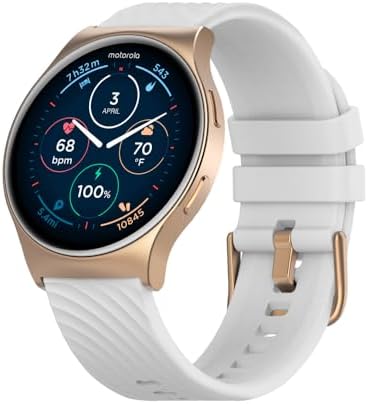
Motorola Moto Watch 120 - Premium Bluetooth Smartwatch with AMOLED Display, 10-Day Battery, Heart Rate & SpO2 Tracking, Fitness & Health Monitoring, Compatible with Android and iPhone - Phantom Black
AMOLED screen, a 10-day battery claim, and heart rate plus SpO2 in one package that pairs with Android and iPhone
Not a multi-band GPS running watch, and the app ecosystem is thinner than Apple or Samsung
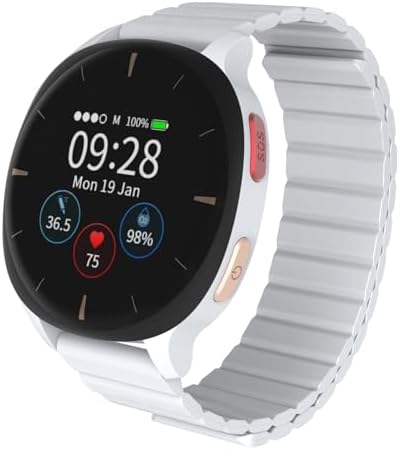
Audar E2 Senior Smartwatch with Fall Detection & SOS, Vital Sign Monitoring
Fall detection and SOS are features no other watch here offers, plus vital sign monitoring aimed at older wearers
The most expensive of the four, and senior-focused software is not a training tool
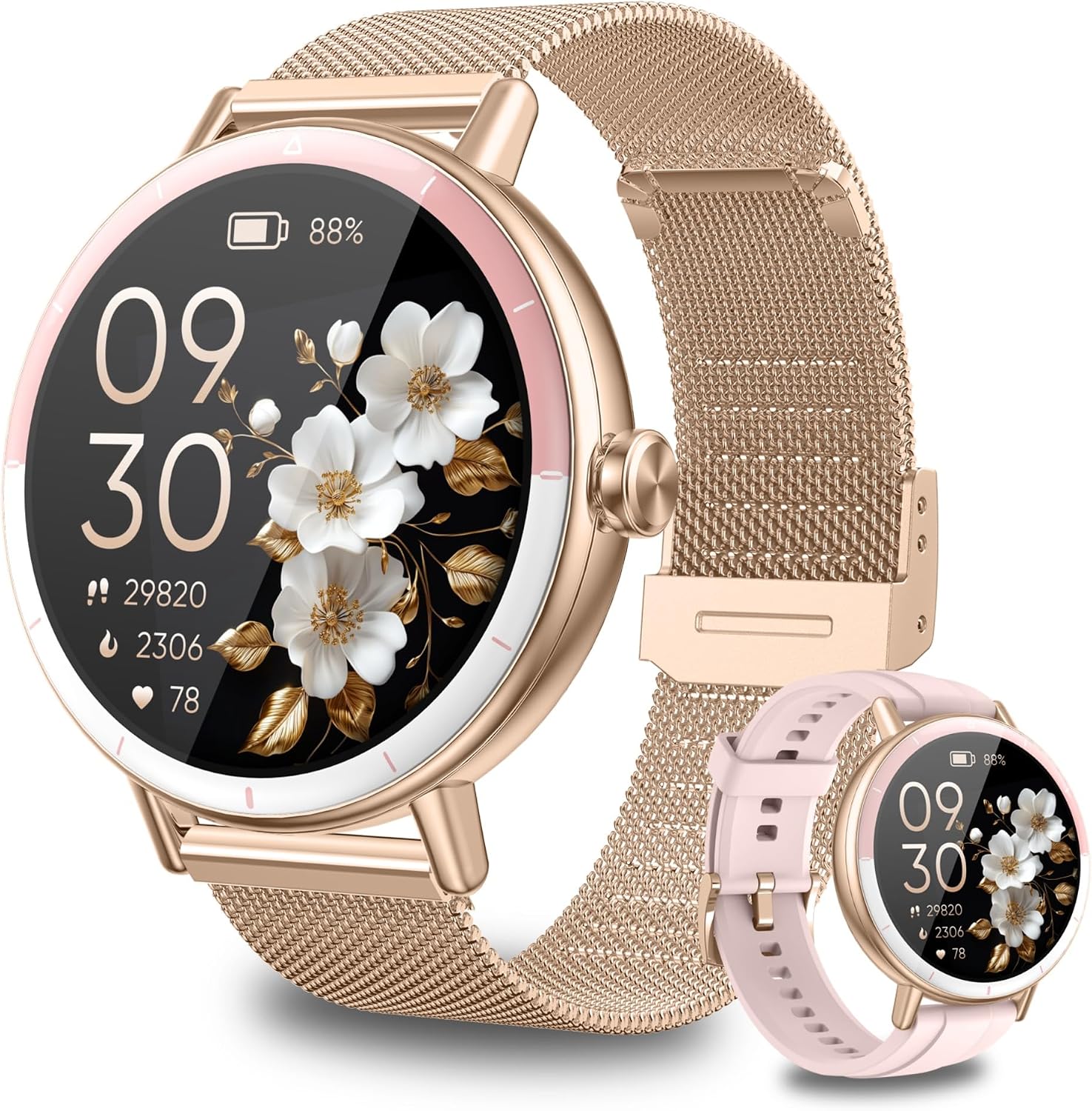
Smart Watches for Women Android/iphone, Fitness Tracker with Calls&Answer
Bluetooth calling and answering on the wrist, works with Android and iPhone, priced in impulse-buy territory
Basic fitness metrics only, no GPS accuracy story, and the "for women" label will not suit every wrist
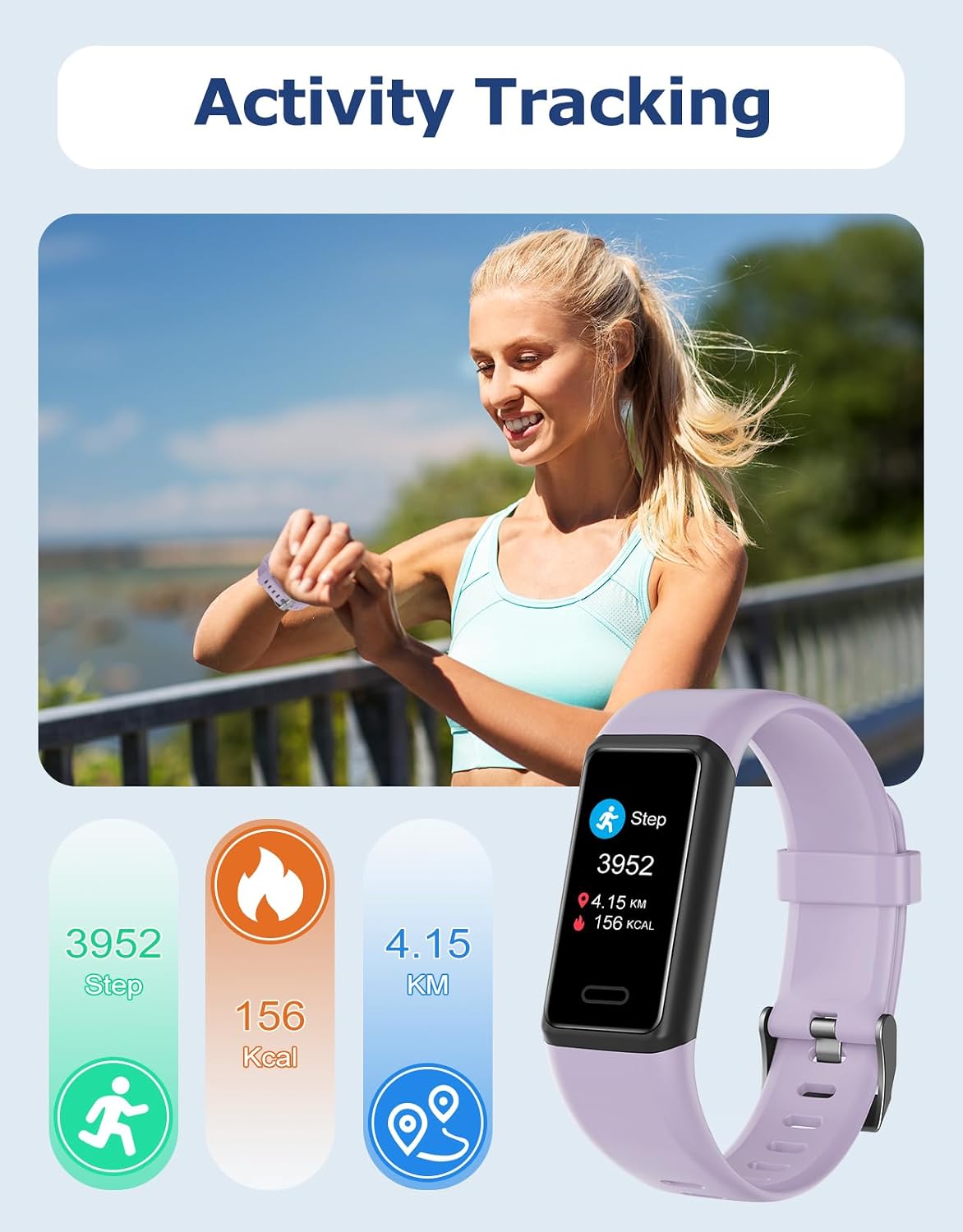
Cloudpoem Fitness Tracker, Fitness Watches for Men Women with 24/7 Heart Rate Monitor Sleep Tracker Step/Calorie Counter Stopwatch Pedometer IP68 Waterproof (Pink)
The cheapest way into step, sleep and heart rate tracking here, with an IP68 rating and a weight you forget about
Wrist heart rate at this tier is an estimate, there is no GPS, and this listing is the pink colorway only
Prices and availability were captured from Amazon Creators API and may change.
How I judge a wearable before I trust it
Every watch I write about gets judged on four things, in this order. First, does the GPS trace match a known course? A watch that cuts corners on a trail loop is a watch that lies to you, and no amount of pretty charts fixes that. Second, does the heart rate match a chest strap, especially during intervals, when wrist sensors lag the hardest? Third, does the battery survive real use with GPS and notifications on, rather than the "light use" figure on the box? Fourth, does the software stay stable across updates, because a great sensor behind buggy firmware is a sensor you cannot trust.
Not every watch here is trying to pass that test. The Audar E2 is a safety device with fitness features, not a training tool. The Cloudpoem band is a step counter with extras. The women's smartwatch is a notification and calling device first. Only the Moto Watch 120 is positioned as a general-purpose smartwatch with health tracking, and even that one is not a race-day instrument.
That framing matters more than any spec table, because the most common wearable mistake is buying a training watch when you needed a notification machine, or buying a notification machine and then getting angry that its pace data drifts. Decide which job you are hiring the watch to do before you start comparing sensors.
The all-rounder: Motorola Moto Watch 120
The Moto Watch 120 is the only watch in this group that reads like a finished consumer product. AMOLED display, a 10-day battery claim, heart rate and SpO2 tracking, Bluetooth, and compatibility with both Android and iPhone. For daily wear, notifications, sleep and resting heart rate trends, and casual walks or gym sessions, that combination is genuinely enough.
Where I get skeptical is the word "fitness" attached to a watch with no multi-band GPS and no serious mapping story. If you run the same 5K loop three times a week and you want to see your pace and your heart rate, this will do the job. If you are training for a marathon and you care whether your watch says 26.2 or 25.9, this is not the tool, and no AMOLED panel changes that. The battery claim deserves the same caution. Ten days is a light-use number in almost every case, and once you enable continuous heart rate, raise the brightness, and take calls, expect it to fall well short.
The other honest limitation is ecosystem. Motorola's companion app and health platform do not have the depth of Apple's or Samsung's, and third party integrations are thinner. That matters if you want your data flowing into a training log or a coaching platform.
The senior watch: Audar E2 with fall detection and SOS
The Audar E2 is the most interesting product in this comparison because it solves a problem the other three ignore. Fall detection and an SOS function are not fitness features. They are safety features, and for an older adult who lives alone or spends long hours by themselves, they are the difference between a watch that is nice to have and a watch that is worth wearing every day. Add vital sign monitoring and you have a device aimed squarely at peace of mind, both for the wearer and for the family checking in.
Here is my caveat, and it is a serious one. Fall detection on any wearable is an algorithm, not a guarantee. It can miss a slow slide out of a chair, and it can fire when you clap your hands. If you are buying this as a medical alert replacement, test it deliberately. Simulate a fall onto a mattress, confirm the SOS call chain works end to end, and make sure the person wearing it knows how to cancel a false alarm. Also confirm the charging routine, because a dead battery detects nothing.
The price is the highest of the four, and that is the trade. You are paying for the safety feature set, not for training accuracy. If nobody in your household needs fall detection, this is a lot of watch to buy for step counts.
The women's smartwatch with calls: a notification-first pick
This one is straightforward. Bluetooth calling and answering on the wrist, compatibility with Android and iPhone, and a fitness tracker feature set underneath. If what you want is a watch that shows your messages, lets you take a call without digging your phone out of a pocket, and counts your steps and sleep, this covers it.
What it does not do is measure your training. There is no GPS accuracy story here, and the heart rate sensor is a wrist optical sensor at a budget tier, which means it is fine at rest and unreliable during hard efforts. I would not build a training block on its numbers, and I would not compare its pace data to a chest strap and expect a match.
The naming is also worth a note. Marketing a watch as "for women" is a styling and sizing decision more than a technical one, and the feature list here is not gendered at all. If the design appeals to you, the label is irrelevant. If it does not, there is nothing in the hardware you are missing.
The Cloudpoem Fitness Tracker: the cheapest watch here
The Cloudpoem tracker is the least expensive product in this comparison by a wide margin, and it is honest about what it is: a band with a 24/7 heart rate monitor claim, sleep tracking, a step and calorie counter, a stopwatch, a pedometer, and an IP68 waterproof rating. It is light, and this listing is the pink colorway.
At this tier, treat the step count as the trustworthy number and everything else as a rough sketch. Optical heart rate at the wrist struggles with motion, and a sensor at this price point is doing more guessing than measuring, especially during intervals or on a bike. Sleep tracking on budget bands also tends to be generous, logging time in bed rather than time asleep. None of that makes the band useless. It makes it a cheap motivator, and for a lot of people a step counter they actually wear beats an expensive watch that sits in a drawer.
The IP68 rating is the one spec I would lean on. It means sweat, rain and hand washing are fine, and that kind of durability is what keeps a cheap band alive past the first month.
Battery life claims and the light-use problem
Every watch in this comparison has a battery claim, and every one of those claims was measured under conditions you will not replicate. The Moto Watch 120 says 10 days. That number assumes a dim screen, no always-on display, infrequent heart rate sampling, and few notifications. Turn on continuous heart rate, crank the brightness, take a few calls a day, and you are looking at a fraction of that.
My rule is simple: take the manufacturer's number, cut it in half, and decide whether the result still works for you. If a watch claims 10 days, assume 5 with real use. If a band claims a week, assume 3 or 4. If the halved number still covers your habits, buy it. If it does not, battery life is the spec that will ruin the watch for you, because charging anxiety is the number one reason people stop wearing a wearable.
The senior watch has the opposite consideration. Fall detection and SOS only work while the battery is alive, so a nightly charging routine is not optional there, it is part of the safety plan.
Heart rate accuracy: what a wrist sensor can and cannot do
Wrist heart rate is convenient and it is not a chest strap. That is the whole story. Optical sensors read blood flow changes under the skin, and they struggle with three things: rapid changes in intensity, cold hands, and a loose strap. During intervals, wrist heart rate typically lags the real number by several seconds and then overshoots to catch up, which is why your watch shows a spike your body did not produce.
At rest, and during steady easy efforts, wrist heart rate is usually close enough to be useful. Trends over weeks, resting heart rate, and sleep heart rate are where these sensors earn their place. For anything where the number has to be right, a chest strap still wins, and no watch in this comparison changes that.
So calibrate your expectations. If you want to know whether your easy runs are actually easy, a wrist sensor is fine. If you want to know whether your intervals hit the target zone, you need a strap, and you should budget for one when you buy the watch.
Which one should you buy?
Buy the Motorola Moto Watch 120 if you want one watch for daily wear, notifications, sleep and heart rate trends, and casual exercise, and you want a screen that looks like it belongs on a modern smartwatch. It is the safest all-round pick here.
Buy the Audar E2 if the wearer is an older adult and fall detection plus SOS is the reason you are shopping. Nothing else in this group offers that combination, and it is the right reason to spend more.
Buy the women's smartwatch with calls if calling and messaging from the wrist is the feature you will actually use, and fitness tracking is a bonus rather than the point of the purchase.
Buy the Cloudpoem tracker if you want the least expensive possible way to start counting steps and building a walking habit, and you accept that the heart rate and sleep numbers are estimates rather than measurements.
And if you are a runner chasing accuracy, none of these four is your watch. You want multi-band GPS, chest strap pairing, and a battery that survives a long run. That is a different shopping list and a different budget.