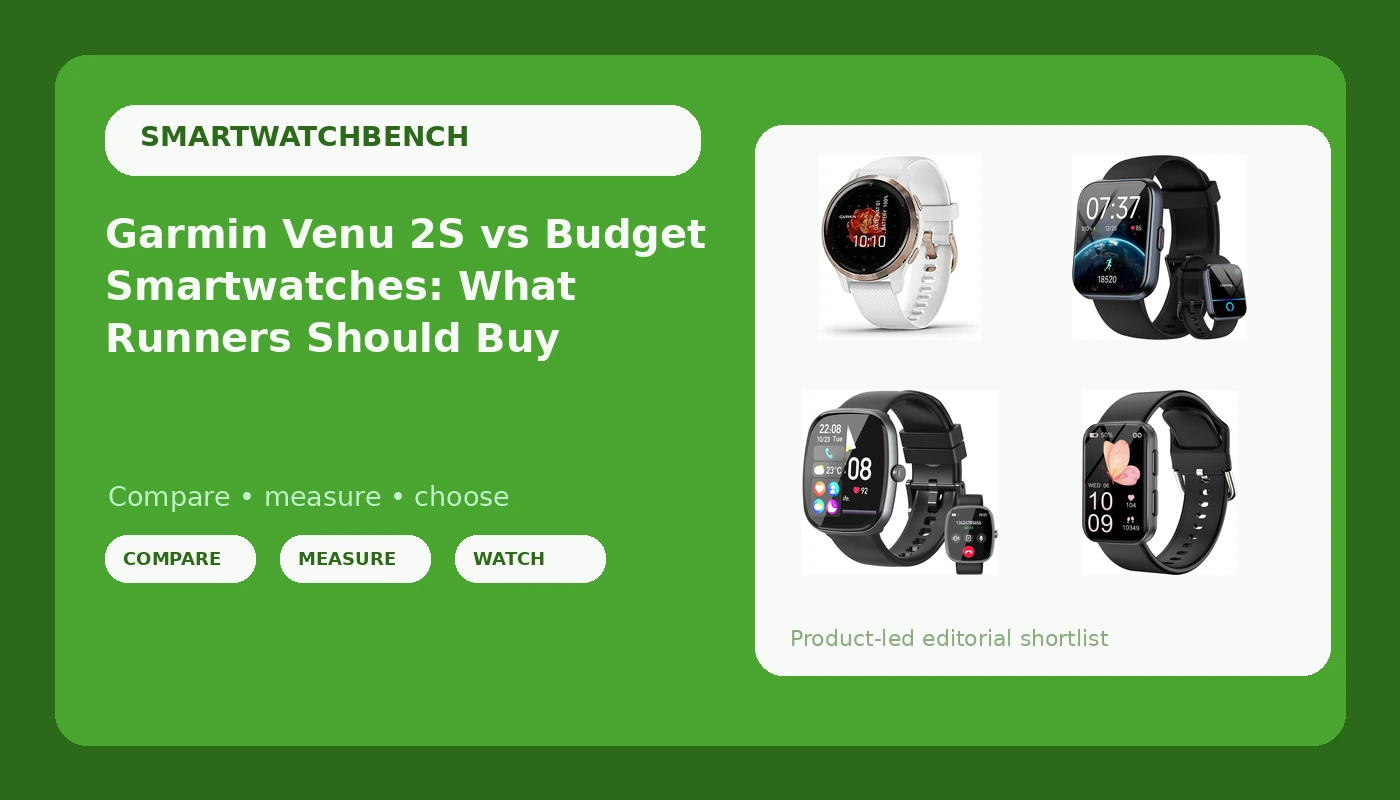
I have worn a smartwatch on every run since 2019, and the lesson that keeps repeating is simple: a watch is only as trustworthy as the two sensors you never see, the GPS chip and the optical heart rate array. Dials, widgets, and notification tricks are decoration. That is the lens I bring to the Garmin Venu 2S vs budget smartwatches question, and it is why this comparison splits cleanly into one watch built for training and three built for daily life.
The four watches here are not running the same race. The Garmin Venu 2S is a GPS smartwatch from the brand most endurance athletes treat as the accuracy reference point. The other three, the 1.85 inch smart watch with SpO2 and Alexa, the 1.85 inch HD fitness watch with Bluetooth calling, and the MorePro fitness tracker with the blood pressure monitor, are lifestyle wearables that also count steps and log workouts. That is not a knock. It is a description of design intent, and design intent decides whether you are still happy with the thing in six months.
Short answer: if you train for anything, the Garmin Venu 2S is the pick. If you want calls, notifications, and sleep tracking on your wrist for the price of a couple of race entries, buy one of the budget three, and go in knowing exactly what you are and are not getting.
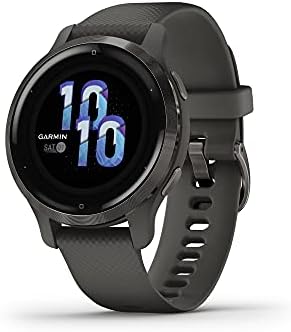
Garmin Venu 2S
The only true GPS smartwatch here, plus the advanced health monitoring and smaller case that suit narrower wrists
Highest cost of the four, and its smart features are narrower than the budget trio's calling and voice assistant features
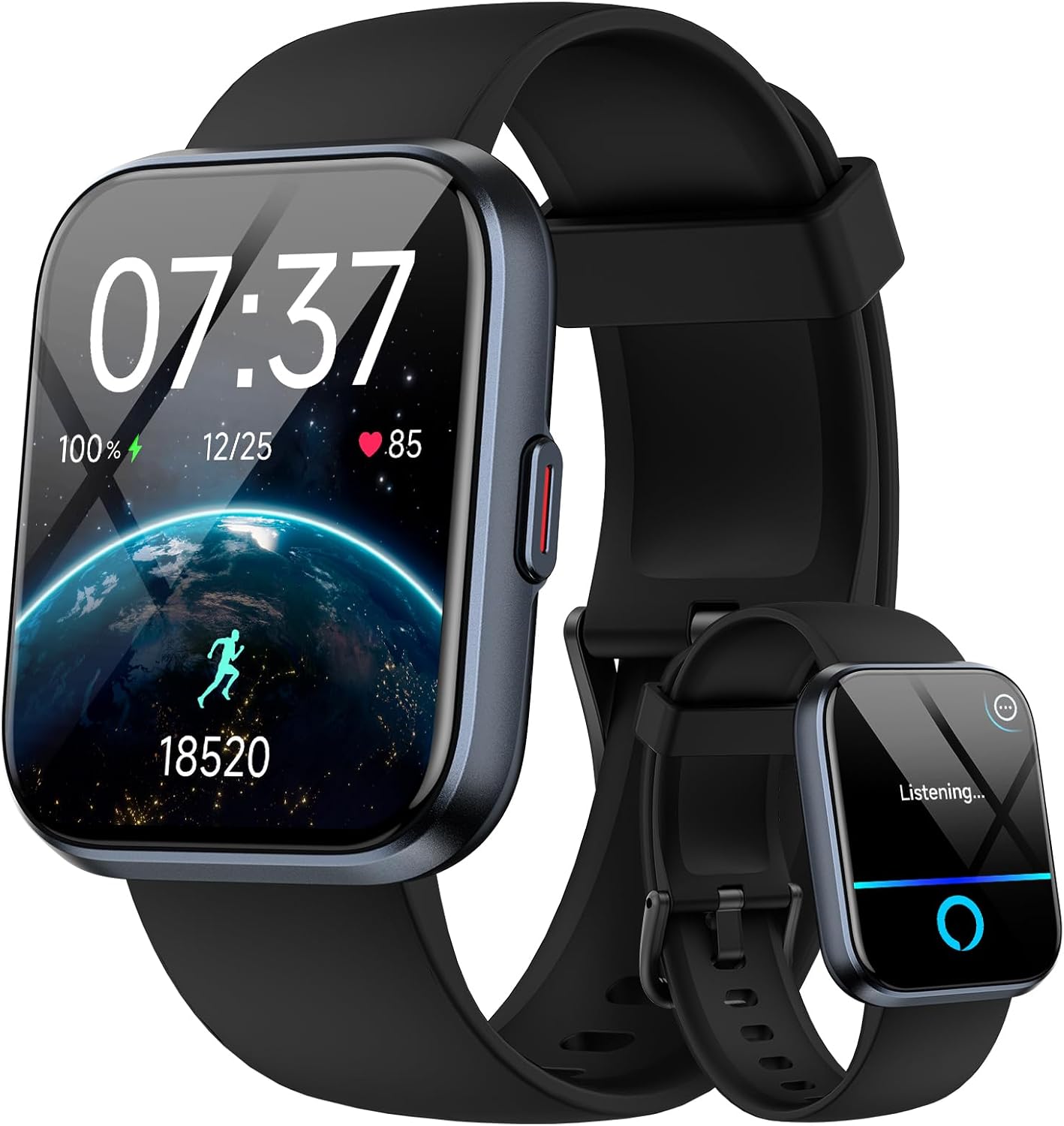
1.85 inch Smart Watch with SpO2 and Alexa
The widest advertised feature list of the budget group: calls, Alexa, SpO2, sleep, 120+ sport modes, 3ATM
Built-in GPS is not part of the advertised spec, so outdoor distance leans on your phone
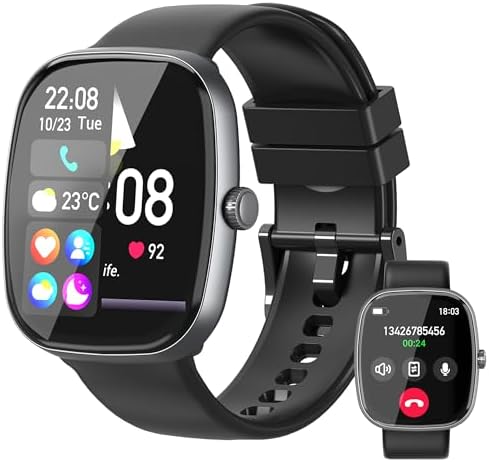
1.85 inch HD Fitness Watch with Bluetooth Call
Big screen, Bluetooth calling, and custom dials at a budget price
The advertised sensor suite stops at heart rate and sleep, the thinnest here
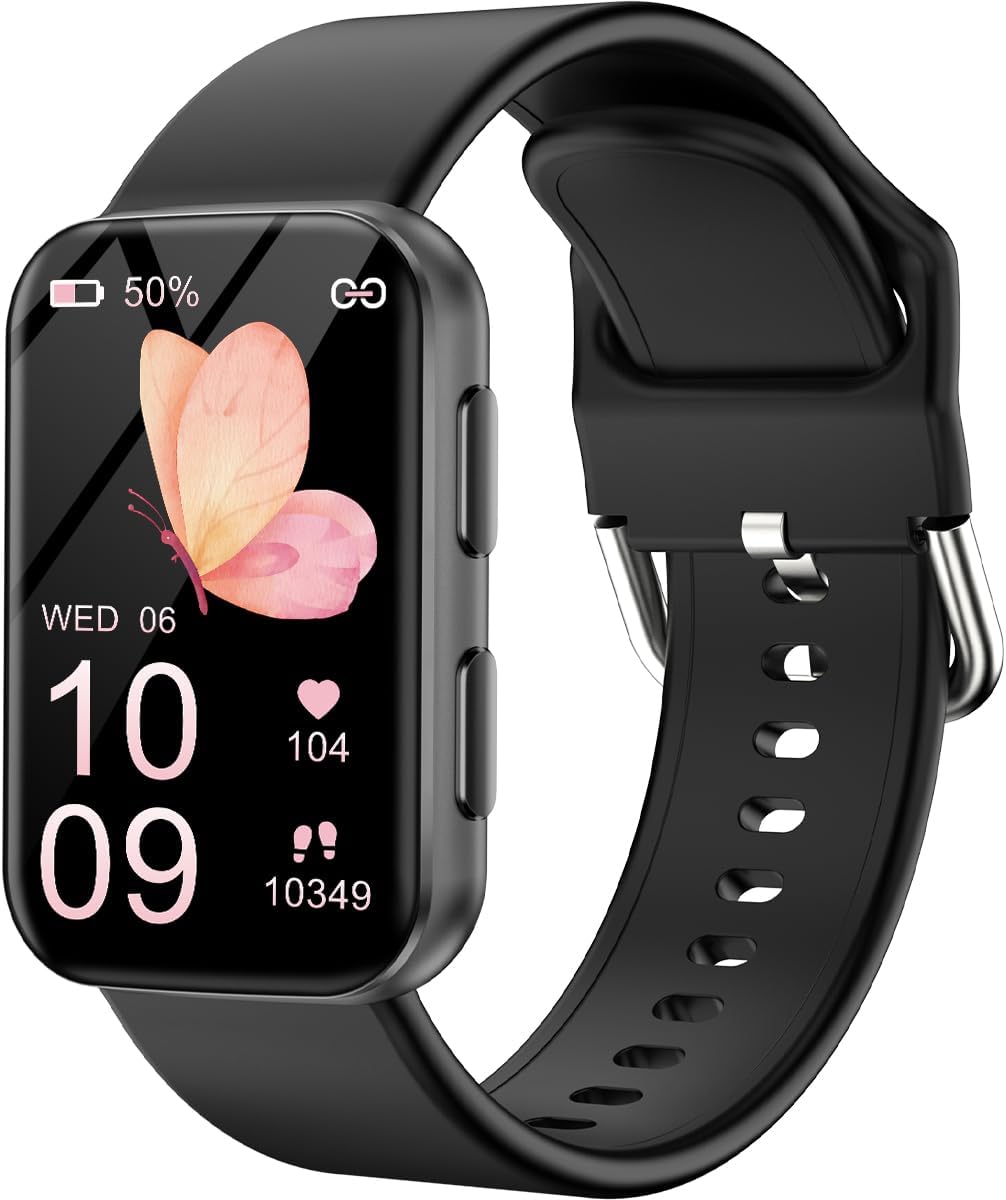
MorePro Fitness Tracker Watch
Lightest and simplest entry point, with 24/7 heart rate and blood pressure monitoring as the headline
Wrist blood pressure is not a clinical measurement, and there is no GPS ambition at all
Prices and availability were captured from Amazon Creators API and may change.
What each watch actually is
Four names, four jobs. Reading the names carefully tells you more than any marketing page.
The Garmin Venu 2S is the only one described as a GPS smartwatch, and the only one aimed at people who care about a route trace. The 2S denotes a smaller case, which matters if your wrist is on the narrow side, and the rose gold bezel with the white case and silicone band is a finish choice rather than a feature. Advanced health monitoring and fitness features are the pitch. Visit on Amazon →
The 1.85 inch smart watch for men and women is the spec-sheet maximalist of the group. It advertises answering and making calls from the wrist, heart rate, sleep, and SpO2 monitoring, 3ATM water resistance, more than 120 sport modes, and Alexa built in. If you want the longest feature list per dollar, this is where it lives. Visit on Amazon →
The 1.85 inch HD fitness watch matches the screen size but narrows the promise: 120 sports modes, Bluetooth calling, custom dials, and heart rate and sleep tracking. It is the cleanest of the budget designs in what it claims. Visit on Amazon →
The MorePro fitness tracker is the outlier. It is a tracker first, with 24/7 heart rate and blood pressure monitoring as the headline feature, and it does not pretend to be a smartwatch. Visit on Amazon →
Now the parts that actually decide whether you keep wearing it.
GPS accuracy, the spec that decides it for runners
If you run or ride outdoors, distance is the number everything else is built on. Pace, splits, training load, race predictions: all of it inherits whatever error the GPS chip introduces. A watch that cuts corners on a wooded trail will tell you that you got faster, and you will believe it, and then race day will correct you.
Only one of these four advertises GPS as a core capability, and it is the Garmin. That is not a detail you can paper over with a brighter screen. The budget watches can still log outdoor distance through connected tracking that borrows your phone's location if the companion app supports it, but that means carrying the phone and turning your watch into a remote display for a sensor in your pocket. For a walk around the neighborhood, that is fine. For a long run or a race, it is not the setup I would choose.
This is also why I refuse to publish a GPS verdict without a known course to compare against. A route trace either matches the certified distance or it does not. Everything else is a guess dressed up as a data point.
Wrist heart rate and the chest strap reality
Optical heart rate from the wrist has one honest limitation: it reads blood flow through skin, so it lags when your heart rate changes fast. Intervals, hill repeats, and the first minute of any hard effort are where wrist sensors struggle most. A chest strap reads the electrical signal of the heart itself, which is why every serious accuracy comparison uses one as the reference.
Two of these watches advertise SpO2 alongside heart rate. The MorePro goes further and advertises blood pressure monitoring, and that is where I want you to slow down. Wrist blood pressure features in consumer wearables are not medical devices and should never be used to make a health decision. Treat any blood pressure number from a watch as a curiosity, not a measurement.
What all four can do well enough is show directional trends: resting heart rate creeping up over a stressful week, sleep that looks fragmented, a step count that confirms you sat too long. Used that way, the cheaper sensors earn their place.
Battery life at real use, not light use
Every battery number you read is quoted at light use, which is a polite way of saying "with the screen off and the notifications quiet." A 1.85 inch display is a lot of pixels to light up, and the features people actually buy these watches for, calls, SpO2 sampling, always-on time, are exactly the features that drain them.
The practical question is not the advertised figure. It is this: do you want to charge your watch every night, or every few days? A watch you charge nightly becomes a bedtime routine you have to remember. A watch that lasts several days becomes a thing you pack. Neither answer is wrong, but the answer should match how you live. Check the manufacturer's rating on the current listing, then discount it.
Software is the watch
A great sensor with buggy software is a great sensor you cannot trust. The companion app is half the product, and it is the half that reviewers forget about after the first week.
Garmin's platform is mature. It keeps a long training history, it plays well with third-party fitness services, and firmware updates tend to add rather than remove. That maturity is a real part of what you pay for, and it is the part a spec table cannot show you.
Budget watches generally run on lighter companion apps. That is not automatically bad, and for a lot of people the app is just a settings screen they open twice. But it is worth knowing that notification and calling behavior on these watches varies by phone. Features that work smoothly on Android can be trimmed back on iPhone, so read the current listing and recent buyer questions for your specific phone before you commit.
The thing that makes me wince is a software update that quietly breaks a feature that used to work. It happens across every price bracket. Buy from a brand with a support page you can actually find.
Water resistance, screens, and daily wear
One of these watches advertises 3ATM water resistance. In practice, that rating covers rain, splashes, and hand washing. It is not a lap swimming or diving rating, and I would not test it in a pool.
The Garmin name here does not quote a water rating, and the other two do not call one out either. If you swim, confirm the rating on the listing before you buy. Water damage is the one failure that almost never gets covered.
On screens, the two 1.85 inch watches give you the bigger canvas, and the custom dial support on the HD fitness watch means you can make that canvas yours. The Garmin goes smaller on purpose, and a smaller case on a narrow wrist is a comfort win you feel every hour, not just on runs.
The trade-offs, stated plainly
- You can have built-in GPS or you can have a very low price. You cannot have both in this group.
- You can have calling, Alexa, and SpO2 on a budget watch, but you will be trusting a lighter app ecosystem and a shorter track record.
- You can have the brand that athletes use as the reference point, but you will pay more and give up some of the smartwatch extras.
- Blood pressure on a wrist wearable is a marketing feature, not a medical one. Do not let it drive your purchase.
- Every battery figure you read is a best case. Plan for less.
Who should buy which
Buy the Garmin Venu 2S if you run, ride, hike, or race outdoors and you want your distance to be right. It is the only watch here that treats GPS as a first-class feature, and the smaller case means it disappears on the wrist. This is the one I would wear for a marathon. Visit on Amazon →
Buy the 1.85 inch smart watch with SpO2 and Alexa if you want the most capability for the least money and your outdoor workouts happen with your phone in your pocket anyway. Calls, Alexa, SpO2, sleep, and a 3ATM rating in one package is a lot of watch. Visit on Amazon →
Buy the 1.85 inch HD fitness watch if you want the big screen and Bluetooth calling but you do not care about blood oxygen or voice assistants. It is the simplest of the budget three, and simple is a feature. Visit on Amazon →
Buy the MorePro fitness tracker if you want a light tracker for step counts, sleep, and a resting heart rate trend, and you want to spend as little as possible doing it. Just do not use it for anything medical. Visit on Amazon →
What I would tell a friend
You do not need an expensive watch. You need one that tracks your actual sport accurately. Those two sentences are not the same sentence, and the gap between them is where most people waste money.
If your training is real, spend it on the GPS and the software that keeps working. If your training is a daily walk and a step goal, buy one of the budget three, enjoy the big screen and the phone calls on your wrist, and stop reading reviews. Either way, check the current price and the current spec sheet on the listing before you click, because both change more often than any article can keep up with.