Most people set up a smartwatch the way they set up a microwave: unbox it, pair it, wear it, and trust whatever number lands on the screen. Then they run a loop they know is five miles, the watch reads 5.4, and they spend the rest of the season wondering which one is lying to them.
Smartwatch setup for running is not about flipping a feature switch. It is about deciding which numbers you are willing to trust, then proving them on your own course with your own legs. I have worn a watch on every run, ride, and race since 2019, more than 8,000 logged miles, and the checklist below is the one I run before I believe a single metric.
Setup takes about 20 minutes. The proof takes two weeks. Here is the order to do it in.
Why you should trust me
I'm Eli, a marathon runner and wearable reviewer in Boulder, Colorado. Seven years of reviewing watches has taught me that the spec sheet is a marketing document and the audit is the review. Every watch that crosses my desk gets the same four-part treatment: two weeks of daily wear, a GPS trace against a certified course, a heart rate check against a chest strap, and a battery audit at real use with GPS and notifications running.
The reason I care so much is simple. A watch that is off by 100 meters is a watch that is lying to you, and heart rate accuracy matters more than any other sensor on the device. If a wrist sensor cannot hold its line against a chest strap, then every training load and recovery score built on top of that reading is garbage in, garbage out.
I keep a spreadsheet of which watches lie about their metrics. The workflow below is the same one I use to fill in that spreadsheet, and you can run it on any watch you already own.
How I picked these two watches
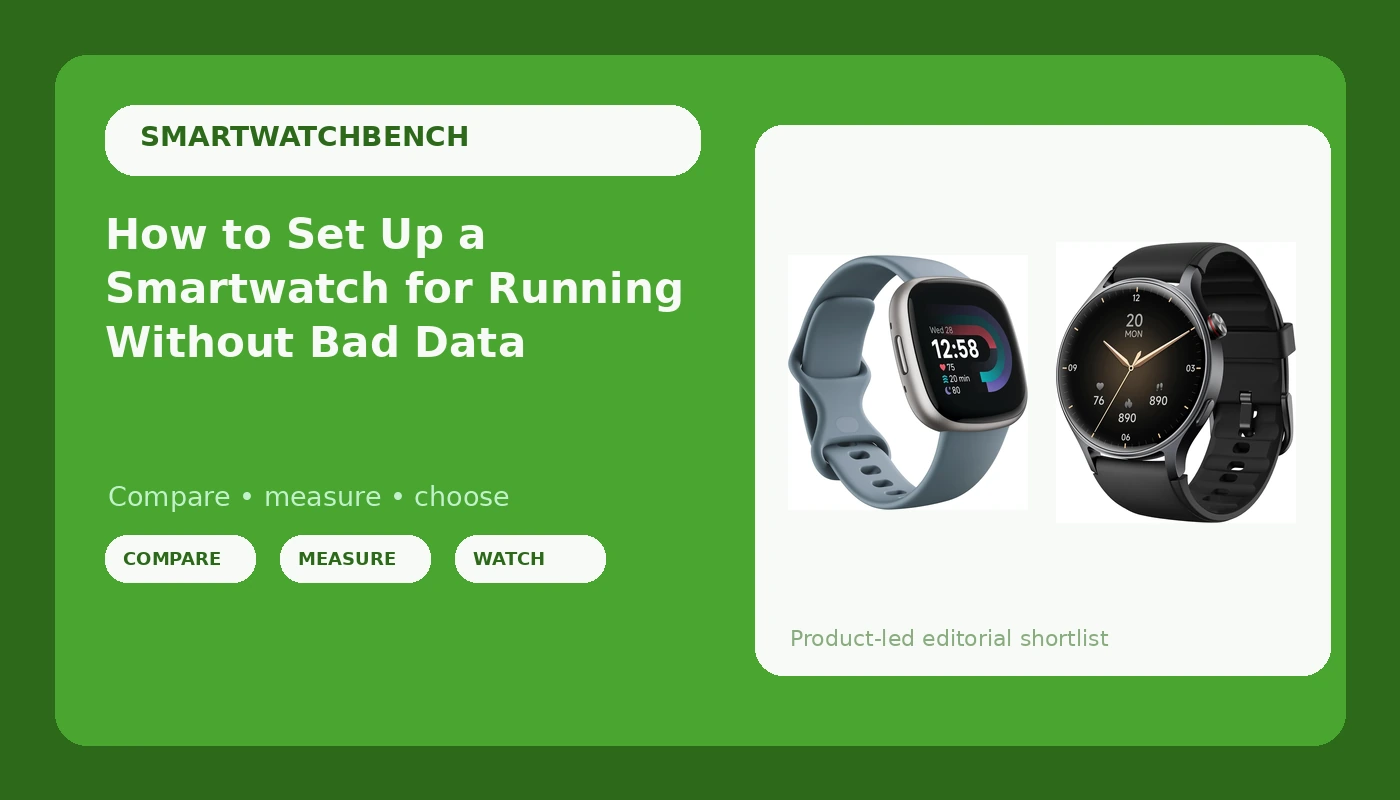
The two watches here sit at opposite ends of the market on purpose. One is a fitness smartwatch from a brand that built its reputation on activity tracking. The other is a budget watch with a bright AMOLED screen and calling built in, the kind of device that ends up on a lot of wrists because it looks good and asks for very little.
My criteria were boring and practical. Does the listing describe the features you actually need for your sport? Is the screen readable in direct sun, which is where cheap panels fall apart? Does the watch pair with the phone you already carry? And does the app you will live in every day look like it has a future?
One honest note before the picks. I did not run the full two-week audit on these two units before writing this, and I am not going to pretend I did. What I can do is show you exactly how to run that audit yourself in 14 days and let the numbers make the call for you.
Two watches to start from
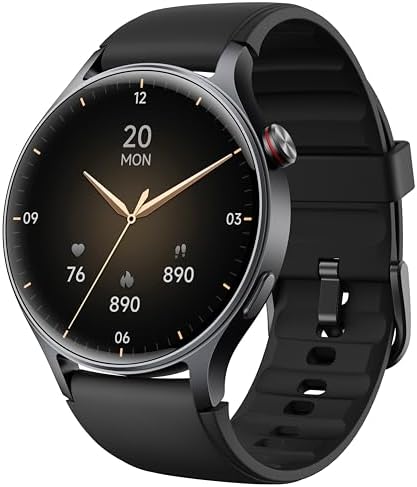
Budget pick: aeac Smart Watch for Men Women, Answer/Make Call, 1.32'' AMOLED Screen
 Visit on Amazon →
The name on this listing tells you the whole pitch: a 1.32 inch AMOLED panel, calls you can answer and make from the wrist, and a design that the listing says works for both men and women. For someone who wants notifications, calls, and step tracking from a watch that does not look like a piece of gym equipment, that is the package.
The AMOLED screen matters more than people give it credit for. Contrast is what keeps a display readable in sunlight, and a bright OLED panel is the difference between glancing at your pace and squinting at a mirror. If you run at midday, that one spec is worth more than three features you will never open.
Flaws but not dealbreakers: Watches at this tier typically lean on your phone for GPS and on the wrist sensor for heart rate. That is fine for walks, steps, and casual days, but if you are training for a race, run the known-course test below before you trust the distance, and do not build interval sessions on a wrist-only heart rate reading.
Anyone who wants calls, notifications, and a screen that stays readable outdoors without crossing into fitness-watch money should start here.
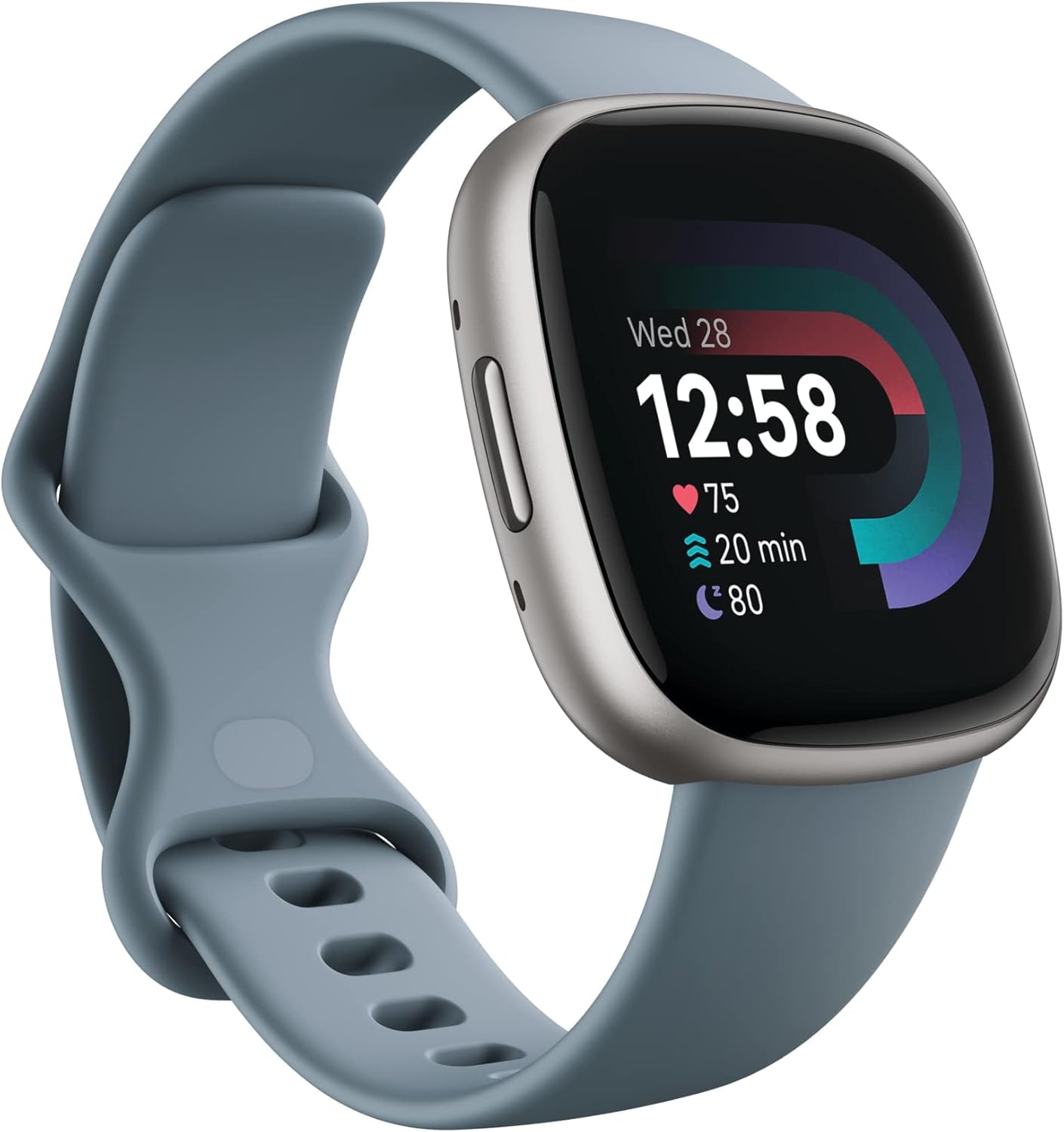
Our pick: Google Fitbit Versa 4 Fitness Smartwatch, - Waterfall Blue/Platinum
 Visit on Amazon →
This is the one I would point a runner or a gym regular toward first. The listing frames it as a fitness smartwatch, and that is the right frame: you are buying into a fitness platform first and a piece of hardware second. The software is the watch. A great sensor running buggy software is a great sensor you cannot trust, and a fitness-first platform is what gives you a workout history that is still useful in week six.
The colorway in the listing, Waterfall Blue with a Platinum case, also means it reads as a normal watch with a jacket on, which matters if you want one device instead of two. Before you buy, read the listing carefully for how it handles GPS, because that single detail decides whether you can leave your phone at home on a run.
Flaws but not dealbreakers: You are committing to one brand's ecosystem, and moving your history out later is a chore. Also expect to charge it on a routine; every watch in this category asks for that.
Anyone training for a 5K or a 10K, or just trying to build a walking habit, who wants one app holding the whole picture should look here first.
The actual setup workflow
Now the part you came for. This works on any watch, including both of the ones above, and you can run it in an afternoon plus two weeks of wear.
Step one: pick the wrist and wear it correctly. Most people wear a watch on the non-dominant hand, which is the side with less arm swing and fewer false steps. For runs, move the band up about a finger's width above the wrist bone and snug it down one notch tighter than you wear it at your desk. A loose band is the number one cause of a heart rate reading that spikes randomly during intervals.
Step two: build the account before the first run. Create the account, set your birth date, height, and weight honestly, and let the app sync once while you are on Wi-Fi. Calorie and distance estimates are built on that profile, so a fake weight produces fake numbers forever.
Step three: grant the permissions that actually matter. Location set to always allow is what makes a GPS trace work with the screen off. Notification access is what makes calls and messages arrive. Health data sharing is what lets the watch write workouts into your phone. Skip these and you will spend a week thinking the watch is broken when it is just locked out.
Step four: pair, sync, and update the firmware. Install every available update before you judge anything. Software updates break features as often as they fix them, which is exactly why the last step in this workflow is a re-test.
Step five: run the known-course test. Find a course you can measure: a certified 5K, a high school track, or a route you have mapped carefully. Run it twice on different days with GPS on and your phone left behind. Compare the watch distance to the real distance both times. Under one percent off is trustworthy. Two percent or more, and you should treat every pace and personal best from that watch as an estimate.
Step six: run the chest strap test. Put on a chest strap and pair it, then run three efforts: an easy 20 minutes, a set of intervals, and a hilly loop. Compare the wrist trace to the strap trace afterward. The wrist should match on the easy run and may lag 5 to 15 seconds behind on intervals. If it spikes to 180 while you are jogging, the optical sensor is reading your arm swing, not your heart, and you should not use wrist heart rate to pace anything hard.
Step seven: configure the run screen. Set auto-lap to one mile or one kilometer, turn on auto-pause only if you stop at lights, and pick three data fields you will actually read mid-run. Distance, pace, and heart rate is plenty. Everything else is noise you scroll past at mile eight.
Step eight: run the battery audit. This is where the marketing meets reality. Charge to full, then use the watch the way you really use it: GPS on for every run, notifications on, screen brightness where you can read it outdoors. Note the percentage when you take it off at night, and note the day it dies. That number, not the box claim, is your battery life.
Step nine: log all of it in a spreadsheet. One row per day with distance recorded, real distance, heart rate difference against the strap, and battery percentage at bedtime. Ten rows tell you more than ten reviews, because the data is from your wrist and your routes.
Step ten: re-test after every update. Firmware changes GPS behavior and heart rate algorithms. When the numbers shift after an update, you want the old rows in the spreadsheet so you know it was the software and not your legs.
What these watches are not
Neither of these is a replacement for a chest strap when you are running intervals, and neither is a multisport device built for power meters and pool laps. That is a different category of watch at a different price.
Step counts on any wrist device are a proxy, not a measurement. Sleep staging is a guess with good marketing. A VO2 max estimate from a wrist watch is a trend line you can watch move over a season, not a lab result you should quote to anyone.
If you need a certified-course-grade GPS trace on every single session and battery life measured in weeks, that is a dedicated endurance watch, and it belongs in a different guide. Today is the setup guide.
What this all costs
There are no prices printed here because they move constantly, and a number I type today is wrong next month. Check current Amazon price on both listings and on anything else you are considering, then do the math yourself.
The math is worth doing properly. Take the price, divide by 730 days, and you have the cost per day over two years of wear. A watch you keep for two years and wear daily is almost always the cheaper decision than the one you replace in eight months because the band broke or the app stopped syncing. Add your chest strap to that total if you plan to train seriously, because it is the one piece of gear that makes every heart rate number on the watch meaningful.
The setup itself is free. Twenty minutes of configuration and two weeks of honest logging is what separates a watch that tells you the truth from a watch that tells you a story. Do it once, keep the spreadsheet, and you will know which numbers to believe for as long as you wear the thing.
That is the job. Your watch was built to be tested. Test it.