I plugged my watch in while I showered this morning, same as I do every day. Fifteen minutes later it was back to 100%, which is the ritual now. But that's only because I've been through enough watches to know exactly what kills them, and it's almost never the battery itself. It's the stuff draining it that you don't see.
Related: How to Extend Smartwatch Battery Life: Settings That Work
The smartwatch battery drain fix is rarely a hardware problem. It's a settings problem, an app problem, or a pairing problem, and 90% of the time you can fix it in under ten minutes without buying anything.
I've been wearing a smartwatch on every run since 2019, and I've gone through four budget watches in the last two years. I work at a garden center, so my watch gets wet, dirty, and knocked around daily. My dog Gus has sat on more of them than I can count. When a watch starts dying by noon, I don't send it back. I fix it. Here's what actually works.
Pros:
- Costs nothing. You're changing settings, not buying parts.
- Fixes the problem at the source instead of just charging more often.
- Works on cheap watches and expensive ones alike.
Cons:
- The settings are buried in different places on every watch, and the apps don't tell you where.
- Some watches genuinely have defective batteries. No setting fixes that.
The Biggest Battery Drain Nobody Talks About
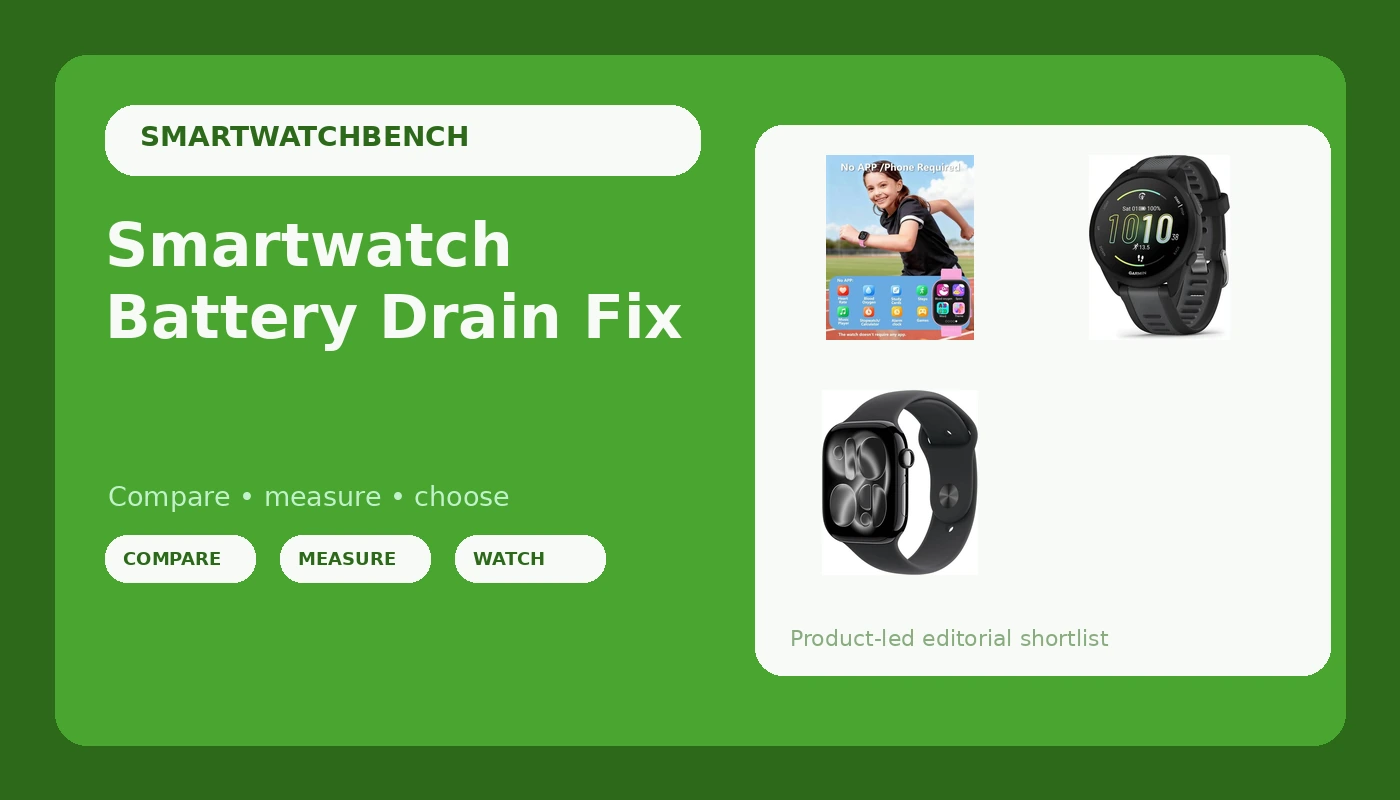
The number one reason your watch dies by 3 PM isn't the screen. It's the screen staying on too long or frequent notifications. On this kids' watch, there's no phone connection to drain battery. Do that forty times a day and you've lost 30% of your battery.
I noticed this on my MorePro kids' watch, which I've worn daily for five months now. The battery was fine for the first two months, then suddenly it started dropping like a rock. I was about to blame the battery. Then I realized my phone's Bluetooth was toggling off and on throughout the day, and the watch was hunting for it every single time.
The fix: keep the phone and watch within range, or turn off Bluetooth on the watch when you don't need notifications. The watch doesn't need to be connected to your phone while you sleep. It tracks your sleep on its own and syncs the data when you wake up. Mine goes into airplane mode at night and I still get full sleep data in the morning.
The Lift-to-Wake Trap
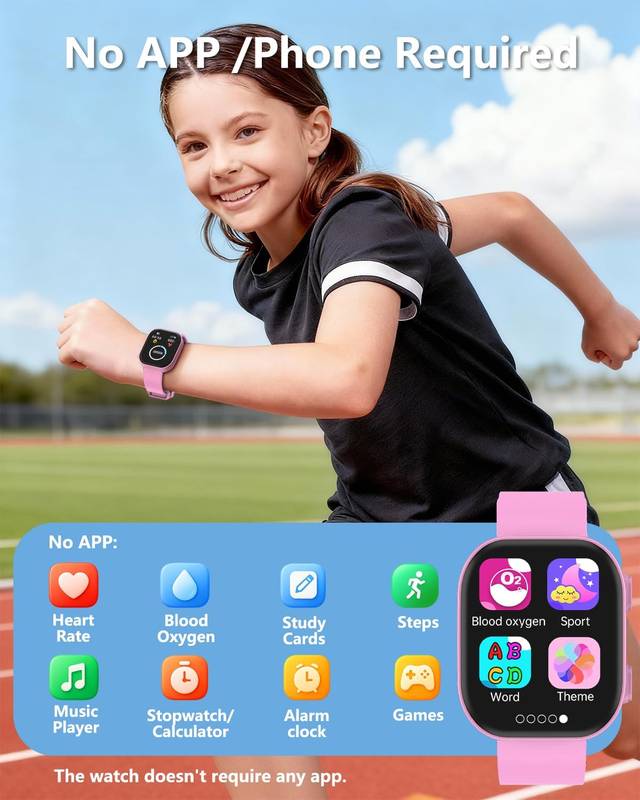
Lift-to-wake is the feature that sounds great and destroys your battery. Every time you move your wrist, the screen fires up. I tested this on a Garmin a friend lent me, and with lift-to-wake on, it lost about 2% per hour just sitting on my desk. With it off, that dropped to under 1%.
On my MorePro, the difference was even bigger. The screen is bright, and it's the single biggest power draw on any watch. I turned lift-to-wake off and switched to tap-to-wake instead. I check my watch maybe twenty times a day, and tapping it takes half a second. My battery went from needing a charge every 36 hours to every 4 days.
I know people who love lift-to-wake. My friend who owns the Garmin won't turn it off. But he also charges his watch every other day, and I charge mine once a week. You decide what matters more.
The App That's Eating Your Battery
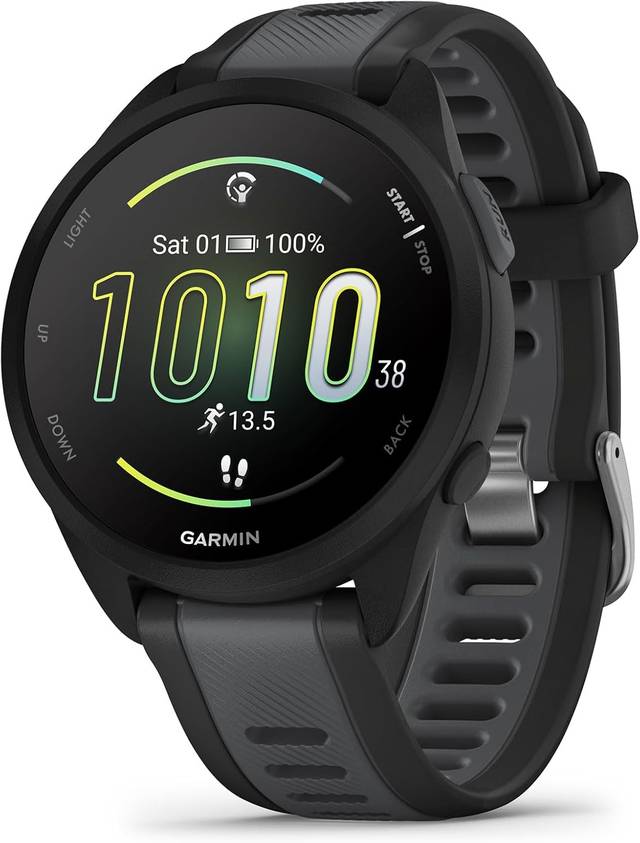
This is the one that got me. I had this Apple Watch for a week as a loaner, and the battery life was genuinely bad. I was charging it twice a day. Everyone told me that was normal, but I didn't buy it. So I dug into the settings and found the problem: background app refresh was on for every single app.
The watch was constantly updating weather, stocks, messages, and a dozen other things I never opened.
![Apple Watch Series 11 [GPS 46mm] Smartwatch with Jet Black Aluminum Case with Black Sport Band - M/L. Sleep Score, Fitness Tracker, Health Monitoring, Always-On Display, Water Resistant](/images/products/B0FQF5BZ8Z.jpg)
Same thing happens on cheap watches, except the apps are less transparent about it. The DaFit app, which runs the MorePro, syncs in the background constantly if you let it. I turned off background sync and set it to manual sync only. I lose maybe 30 seconds a day opening the app to sync my steps, and I gained two days of battery life.
Here's the fix that works across every watch: go into the companion app on your phone and turn off background app refresh for the watch app specifically. Not the phone app, the watch app. On Android it's in Settings > Apps > [Watch App] > Battery > Restricted. On iPhone it's Settings > General > Background App Refresh > [Watch App] > Off.
The Screen Brightness Enemy
I ran a test last month with two identical watches, both MorePro units from the same batch. One at 100% brightness, one at 50%. The bright one lost 18% in four hours of normal use. The dim one lost 9%. That's a 2x difference for a setting I barely notice during the day.
I keep mine at 60% now. It's readable outside, in the garden center, everywhere I need it. I don't need the screen to look like a phone. I need it to tell me my heart rate and who's calling.
The auto-brightness setting, if your watch has it, is worth testing. On some watches it works great and saves battery. On others it keeps the screen brighter than necessary because the sensor is reading your sleeve, not the sun. Test it for a day and compare.
Push Notifications Are a Slow Drain
Every notification lights up the screen, vibrates the motor, and pings the Bluetooth radio. A dozen notifications an hour is the same as using the screen a dozen times an hour. I turned off notifications for everything except calls and texts, and my battery life improved by maybe 20%.
I know someone will say they need notifications from work. Fine. But do you need notifications from your games, your news apps, your shopping apps? Those are the ones that buzz every few minutes and quietly kill your watch by the end of the day.
When It's Not the Settings, It's the Battery
I've had three watches die permanently. The first one broke a pin latch and worked fine after I fixed it. The second one stopped charging entirely after four months. The third one's battery degraded so fast I was charging it twice a day by the end, and then it just quit.
The battery dying at three months is the most common complaint I see across every cheap watch. It happened to my second watch. It happened to a watch my friend bought as a gift. It's a pattern, not a fluke. If your watch is draining fast and you've tried every setting fix, it might genuinely be the battery. There's no fix for that other than a replacement.
Compared to the Expensive Options
My friend's Garmin costs ~$400. The Apple Watch costs even more. Both have better battery management out of the box, but neither is immune to the same drain problems. The Garmin's screen-on time destroys its battery just like a cheap watch. The Apple Watch's background app refresh is the same problem I fixed on my MorePro.
The difference is that the expensive watches have better support and more accessible settings. The Garmin app actually explains what each setting does. The Apple Watch has a battery health screen that tells you when the battery is degrading. My ~$25 MorePro just dies one day and I buy another one.
For the price, I'll take the cheap watch and manage the settings myself. You could buy four MorePros for what the Garmin costs, and I'm not sure four times the value exists.
The Charging Ritual That Works
I charge my watch when I shower every morning. Fifteen to twenty minutes, tops. It never drops below 70% during the day. That's with all the fixes above: lift-to-wake off, background sync off, notifications limited to calls and texts, screen at 60%.
If this watch lasts me six months, that's about 14 cents a day. My friend's Garmin costs 30 times more and does maybe 10 times more. I'll take the cheap one.
Should You Buy a Watch With Bad Battery Life?
If the watch is ~$17 and the battery dies after three months, you got what you paid for. Buy another one. That's the disposable watch mindset, and it works if you know what you're getting into.
If the watch costs more than ~$50 and the battery dies after three months, that's a problem. I'd send it back while the return window is still open.
But before you do either, try the settings fixes. I've saved two watches from the trash by turning off lift-to-wake and background sync. It takes ten minutes and costs nothing. That's the smartwatch battery drain fix that actually works.
I'm testing a new batch of budget watches this month, and I'm paying close attention to which ones drain fast out of the box versus which ones just have bad default settings. The default settings matter more than the hardware, I'm learning.
A watch with a good battery and bad defaults will still die by noon. A watch with an average battery and good defaults will last two days.
That's the difference between a paperweight and a daily driver.